Android app to make stylized AI videos
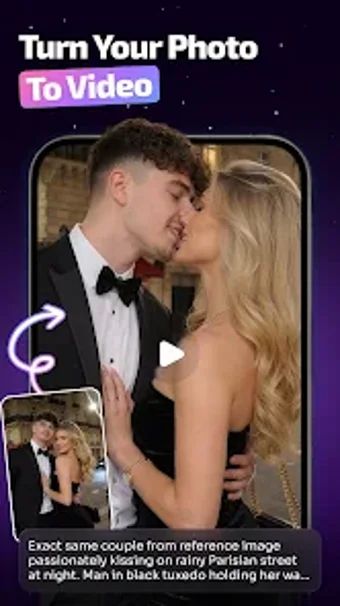
Imaglow: AI Video Maker, developed by SITARAM SCHOLARS, is an Android personalization app that turns short text ideas and personal photos into short videos for social sharing. The app uses an AI engine to generate and edit visual content, offering a signature "glow" look alongside template-driven workflows and built-in photo enhancement. It targets social media enthusiasts and casual creators who want quick, stylized clips without learning traditional video editing tools.
What does Imaglow change about mobile content creation?
Imaglow repurposes photos and brief prompts into short video clips, addressing the gap between static images and short-form social media content. The tool pairs automated generation with photo enhancement, so users can move from a still image to a motion clip inside the same app. The developer positions the product as a personalization utility focused on producing share-ready visuals rather than a full timeline editor.
How much creative control does the app actually give?
The app exposes a mix of guided and adjustable elements: template-based projects speed production, while the integrated AI photo editor offers pre-conversion tweaks. Creative control is present but structured, with presets and a signature glow aesthetic that standardize output. The dual-purpose AI engine handles both edits and generation, which means creators trade deep manual trimming for faster, repeatable visual styles.
Is Imaglow easy to set up and use on Android?
User-facing language and FAQs indicate the app targets nonexperts, allowing video creation from simple prompts and images without manual editing skills. Installation and usage follow typical mobile patterns, and the template workflow shortens the path from import to export. For users who prefer step-by-step processes, the app’s template-first approach reduces configuration choices during daily use.
Does Imaglow impact device performance and work across devices?
The app is available for Android and lists OS requirements as "Varies with device," so performance and compatibility depend on individual hardware. Because generation and enhancement run on-device or via the app’s engine, resource use can differ by phone; this is relevant for creators using older or entry-level devices. The app also optimizes output formats for social platforms, simplifying direct sharing to TikTok and Instagram.
A practical pick for rapid, stylized social clips with device-aware limits
Imaglow is a pragmatic option for social creators who want fast, signature-look videos without learning complex editors. Its template-led workflow and integrated editing reduce production time, while device-dependent performance and the app’s recent release mean users should test output on their phones before committing to high-volume projects.